
Explore the example MSP
This tutorial uses the local setup with example data to show the Platform Mesh Portal workflow from first login to provisioning a managed service.
Development preview
The local setup is under active development. Features and workflows may change.
Clone the setup repository
git clone https://github.com/platform-mesh/helm-charts.git
cd helm-charts
git checkout 0.4.0
Run the setup with example data
task local-setup:example-data
task local-setup:example-data:iteratekind delete cluster --name platform-mesh
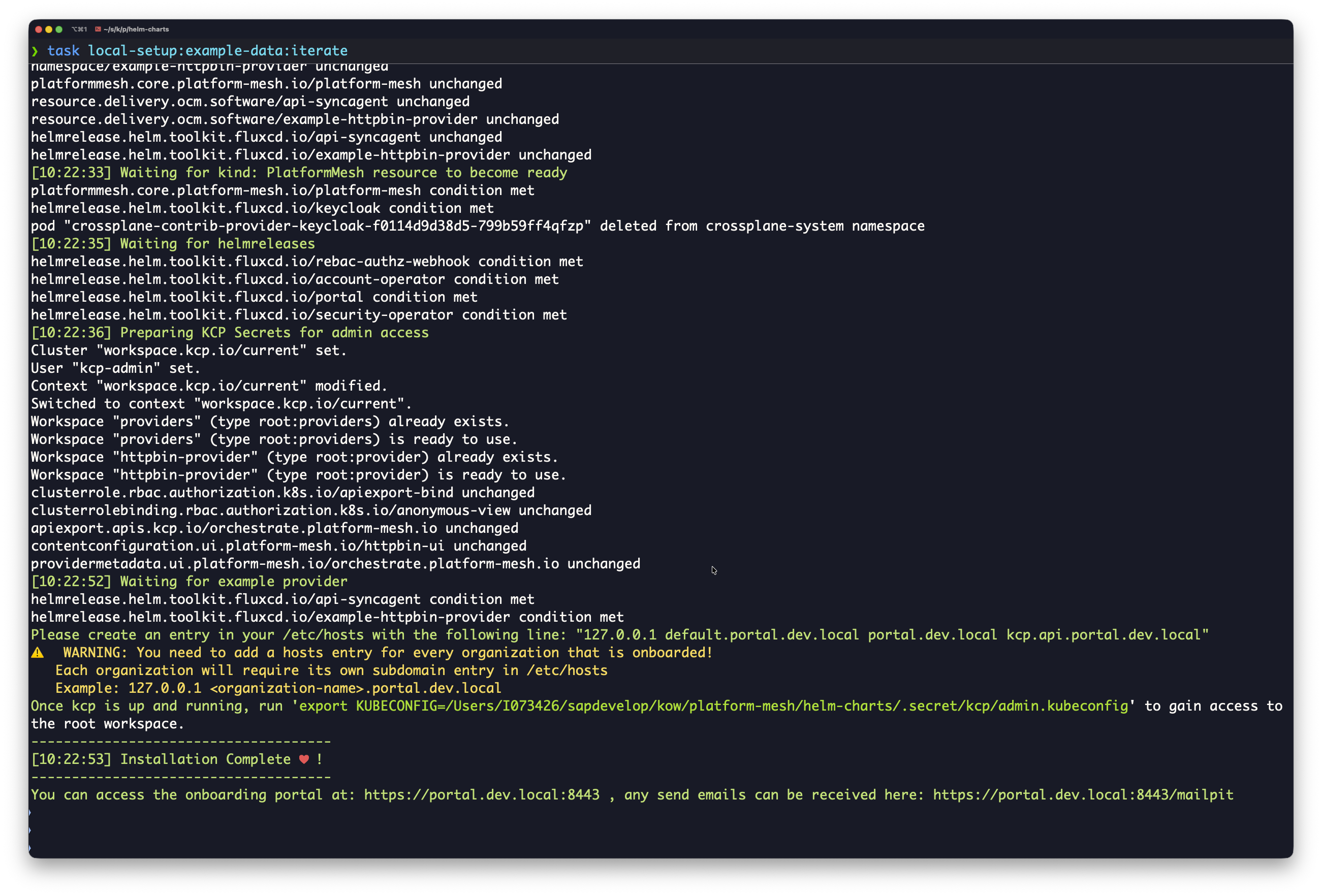
./local-setup/scripts/start.sh --example-dataAfter the script completes, it prints Installation Complete and shows the portal URL.
Register a user
Open the portal URL shown in the terminal.
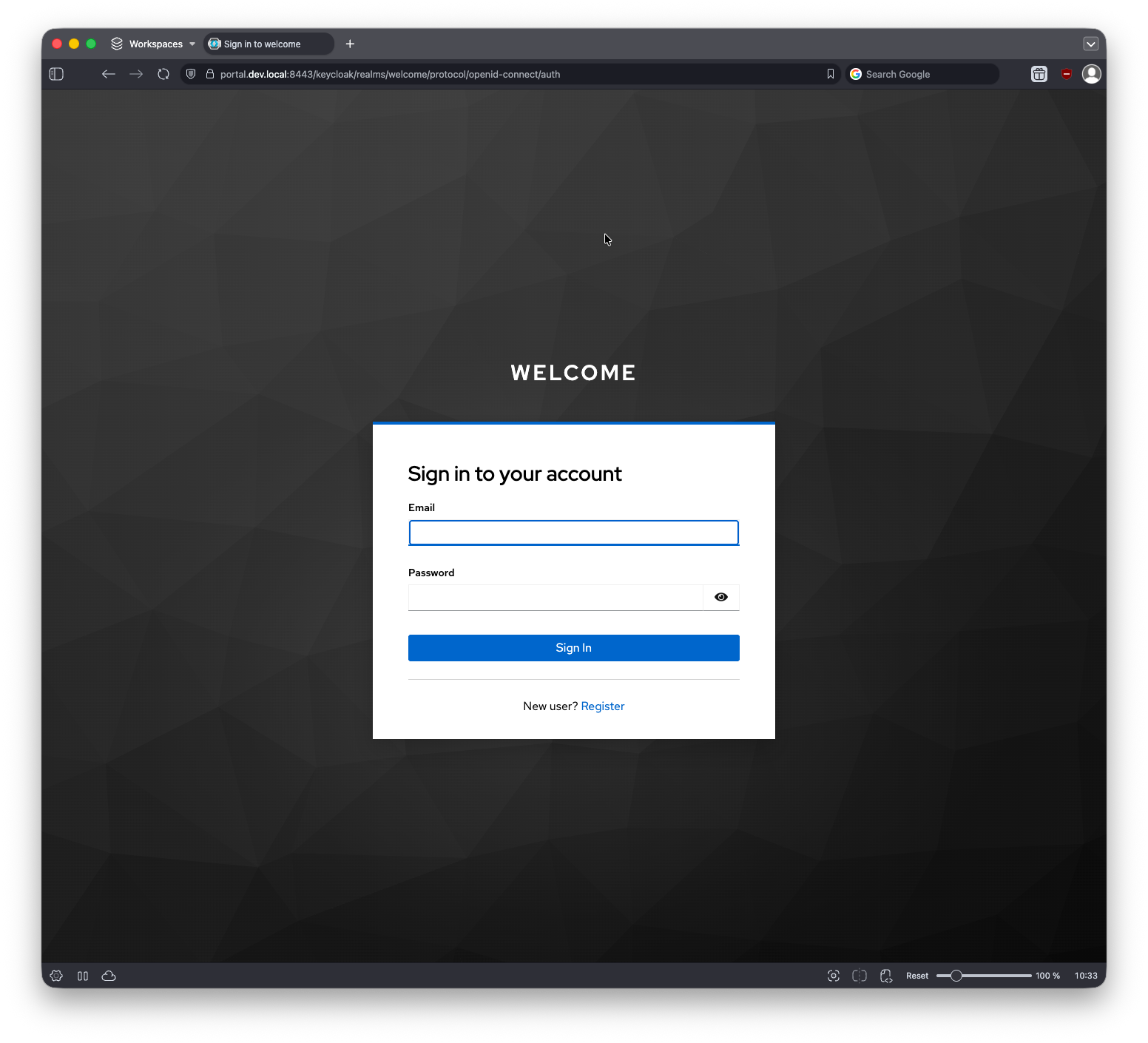
For first-time access, select Register.
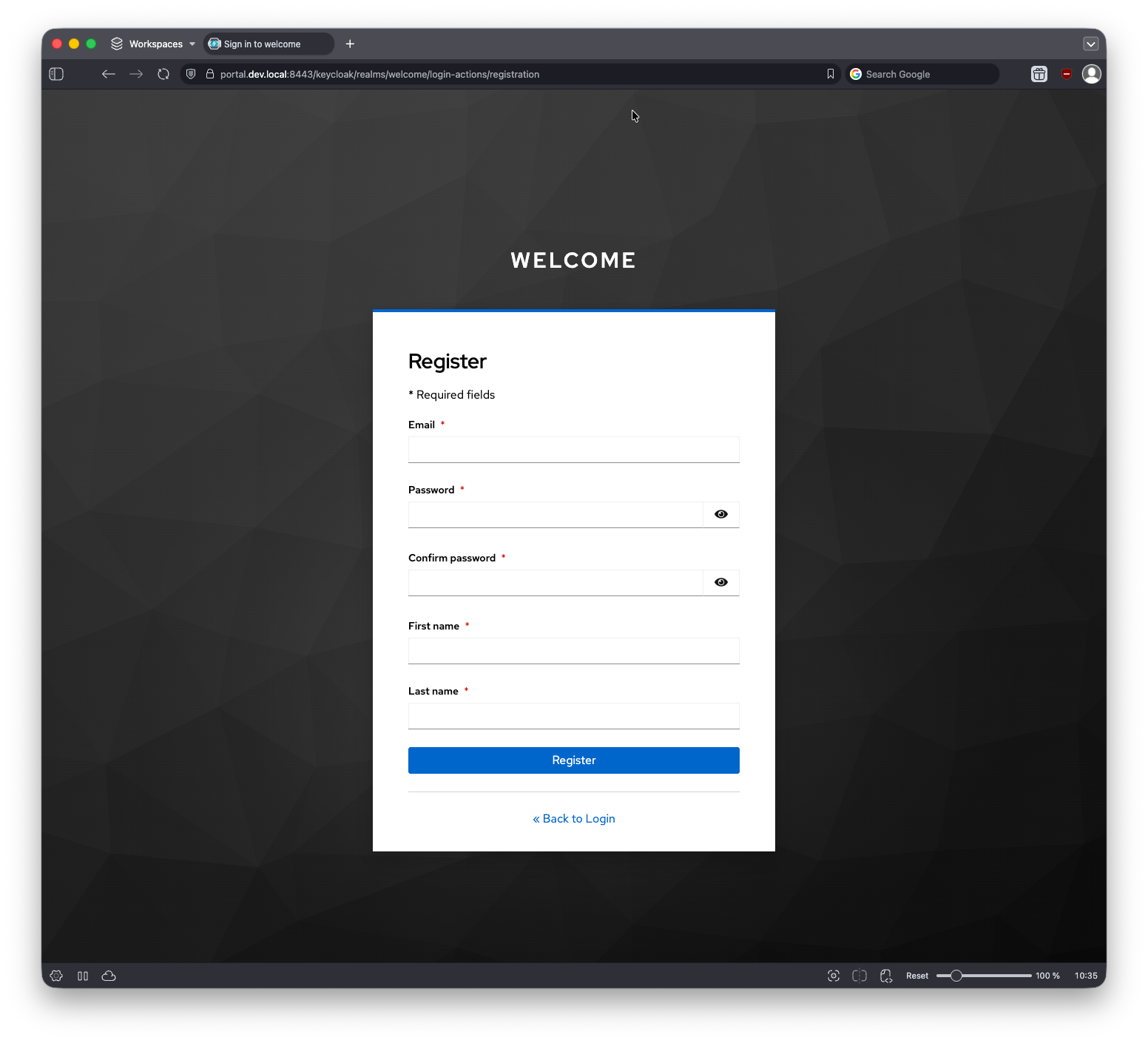
In the local setup, the registration email is automatically confirmed. The browser redirects to organization onboarding.
Onboard an organization
Create your first organization.
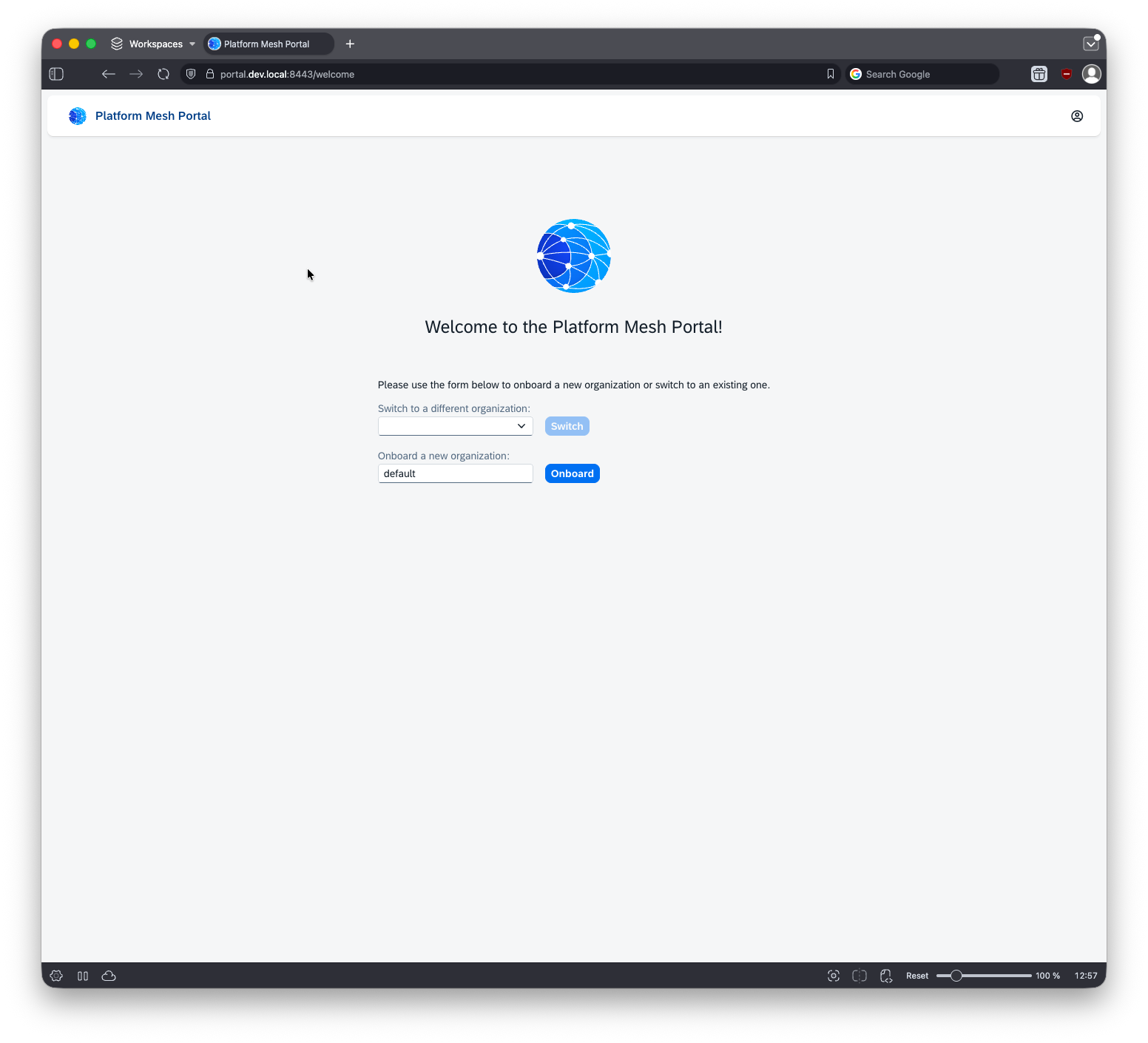
After onboarding, the organization appears in the organization switcher. A popup shows the default password password. Use it in the next login step.
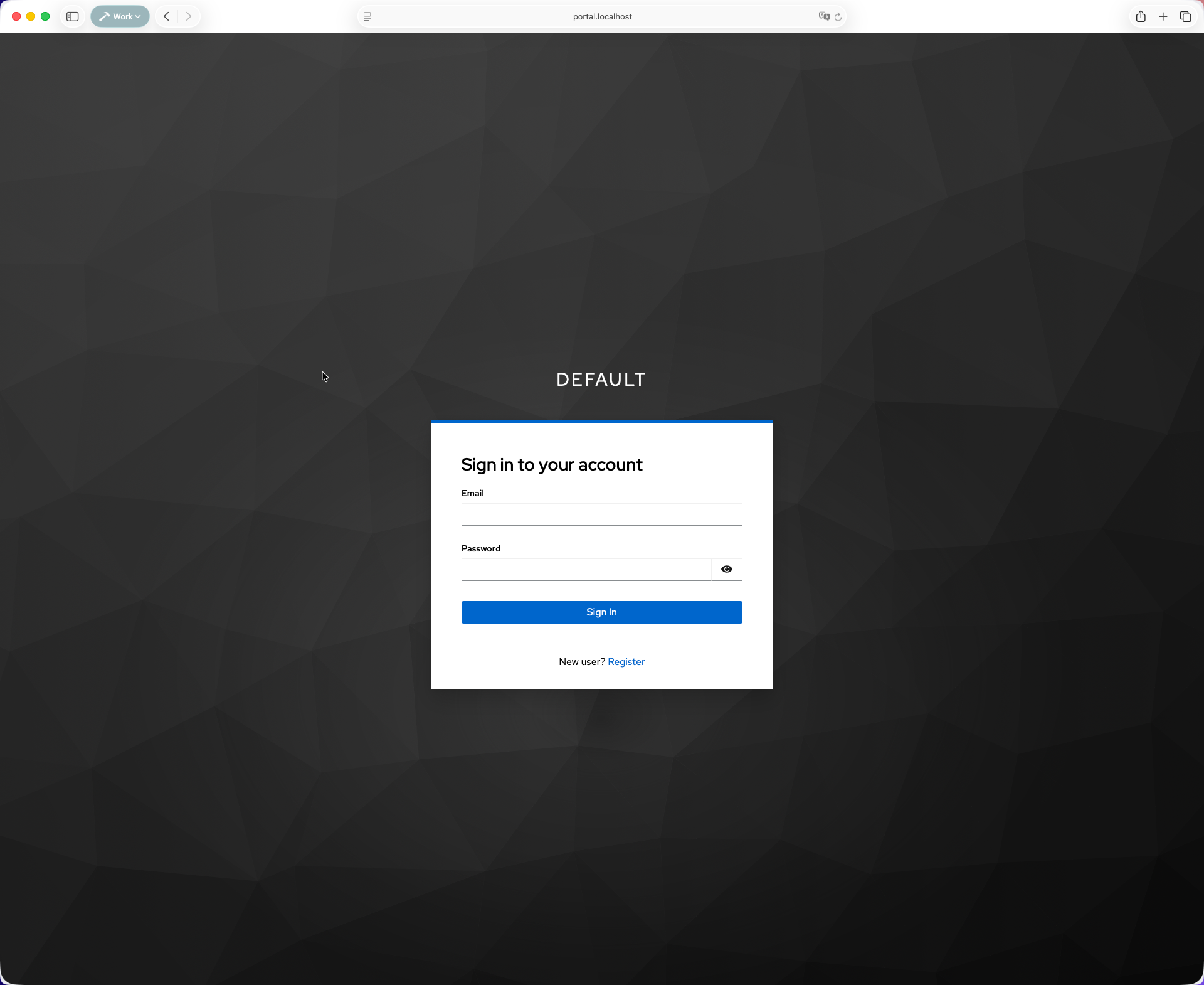
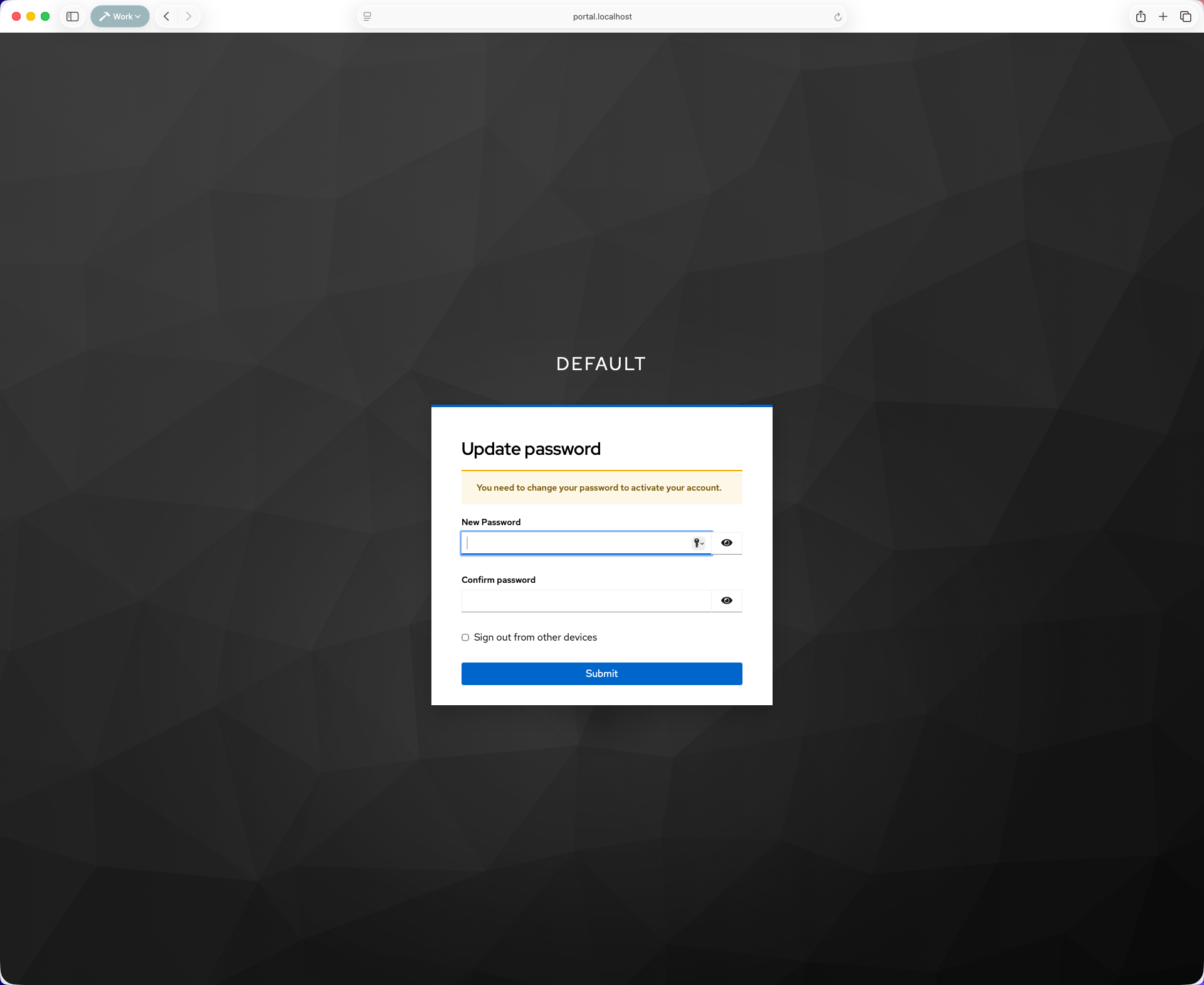
Enter your email and the default password. After login, update the password.
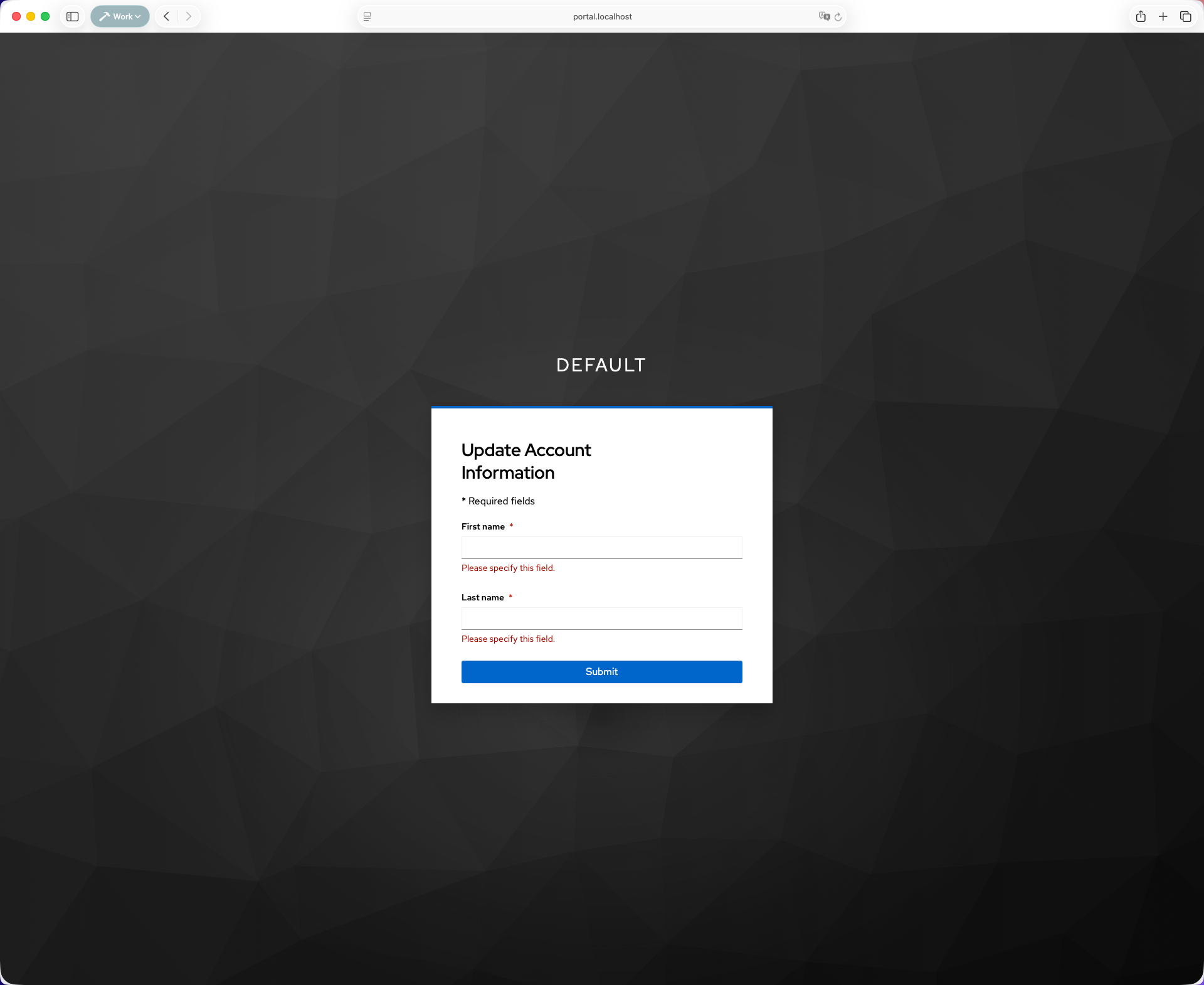
Then update the account information.
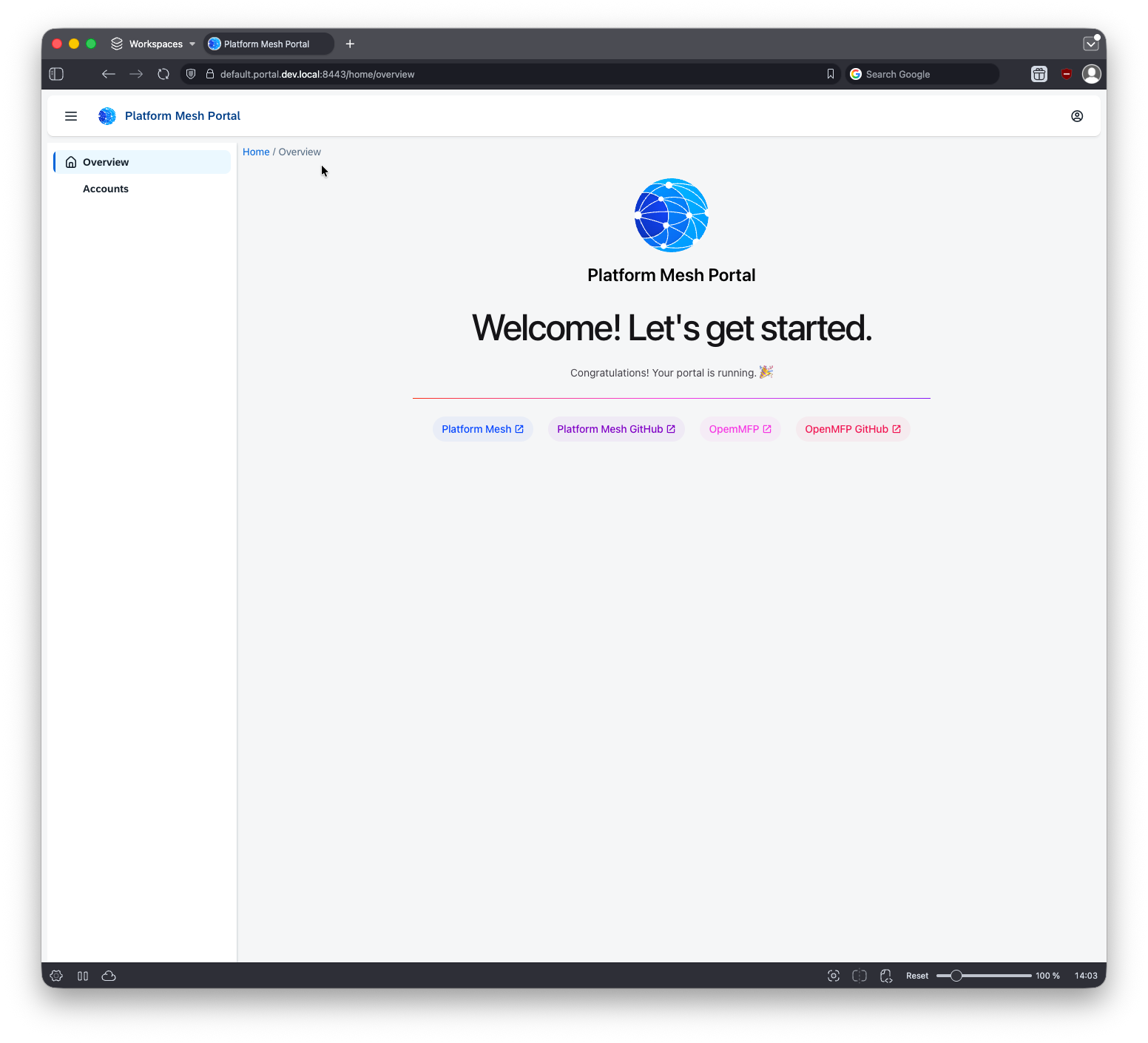
After completing this flow, the portal UI opens.
Create an account
Open the Accounts page.
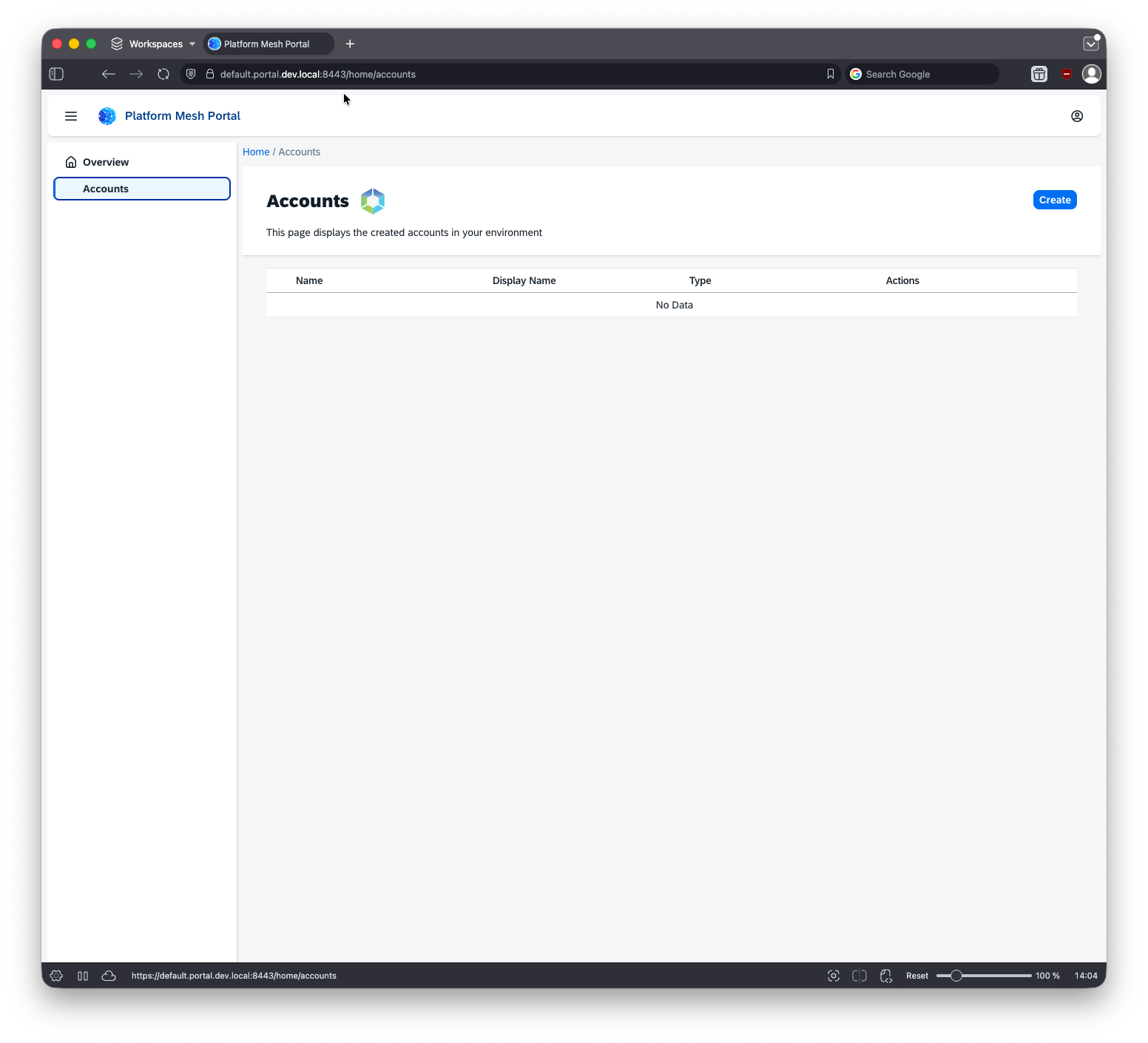
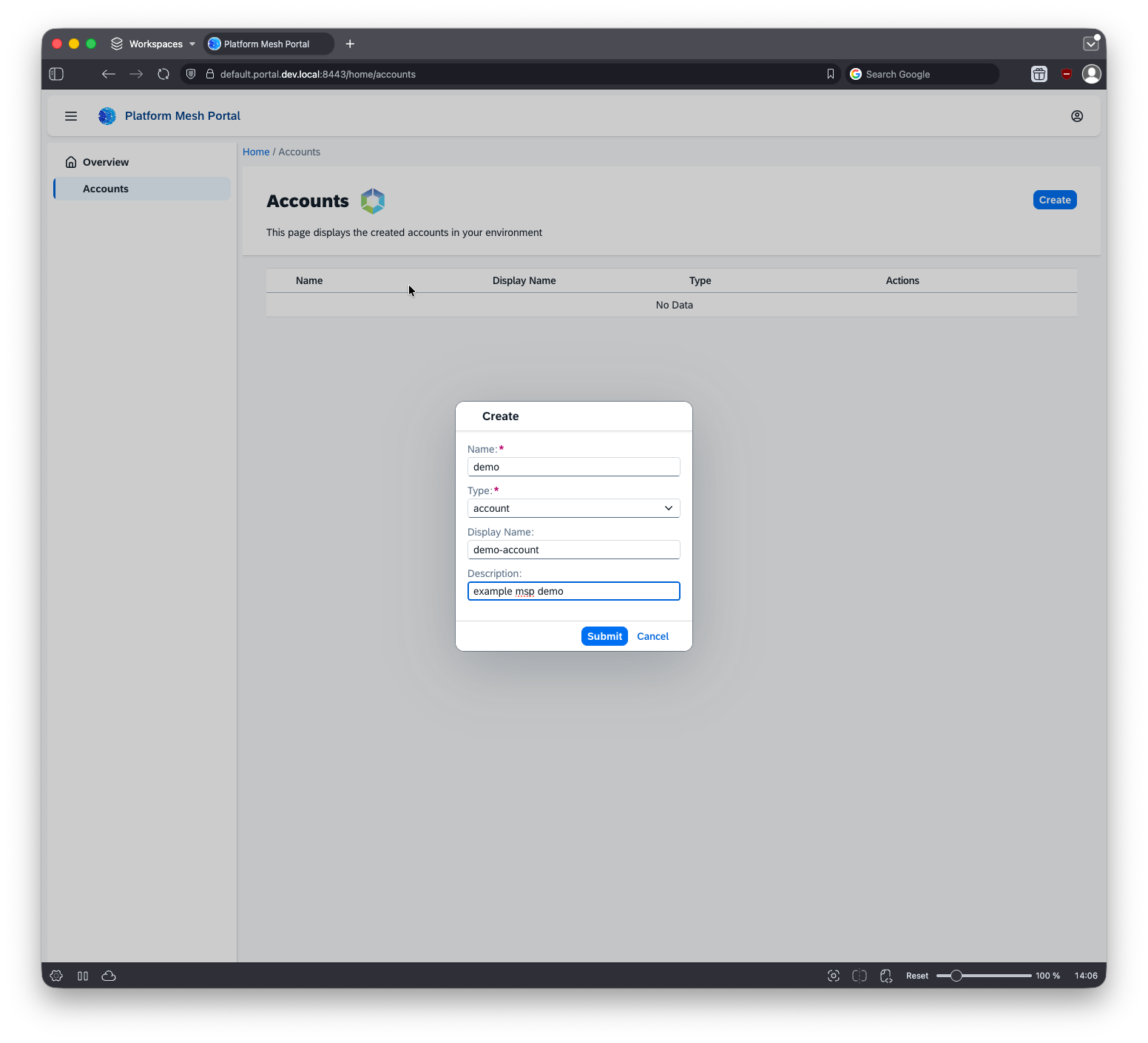
Create a new account.
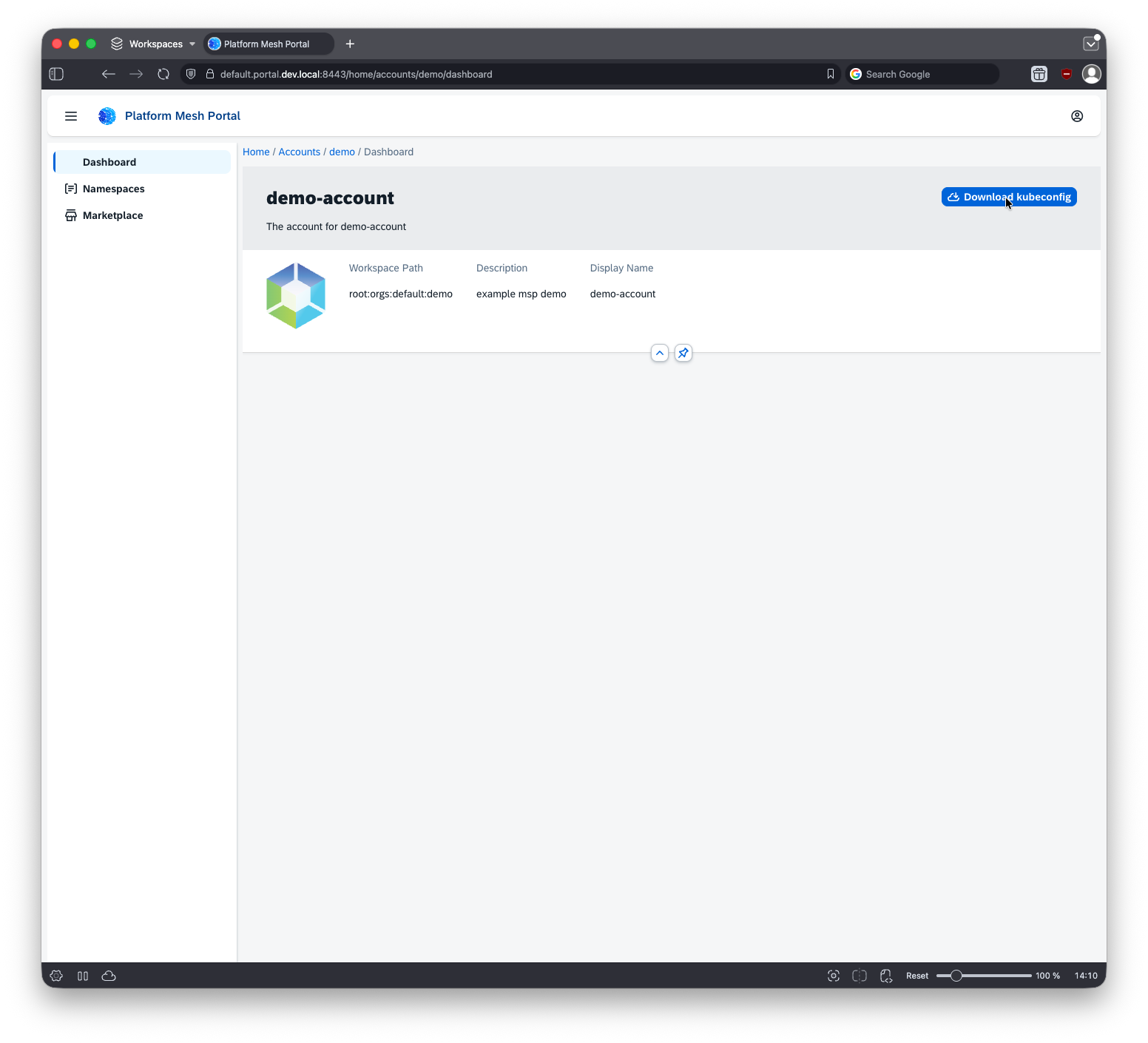
Step into the account from the portal, or download its kubeconfig to work with it through kubectl.
Each account is its own control plane.
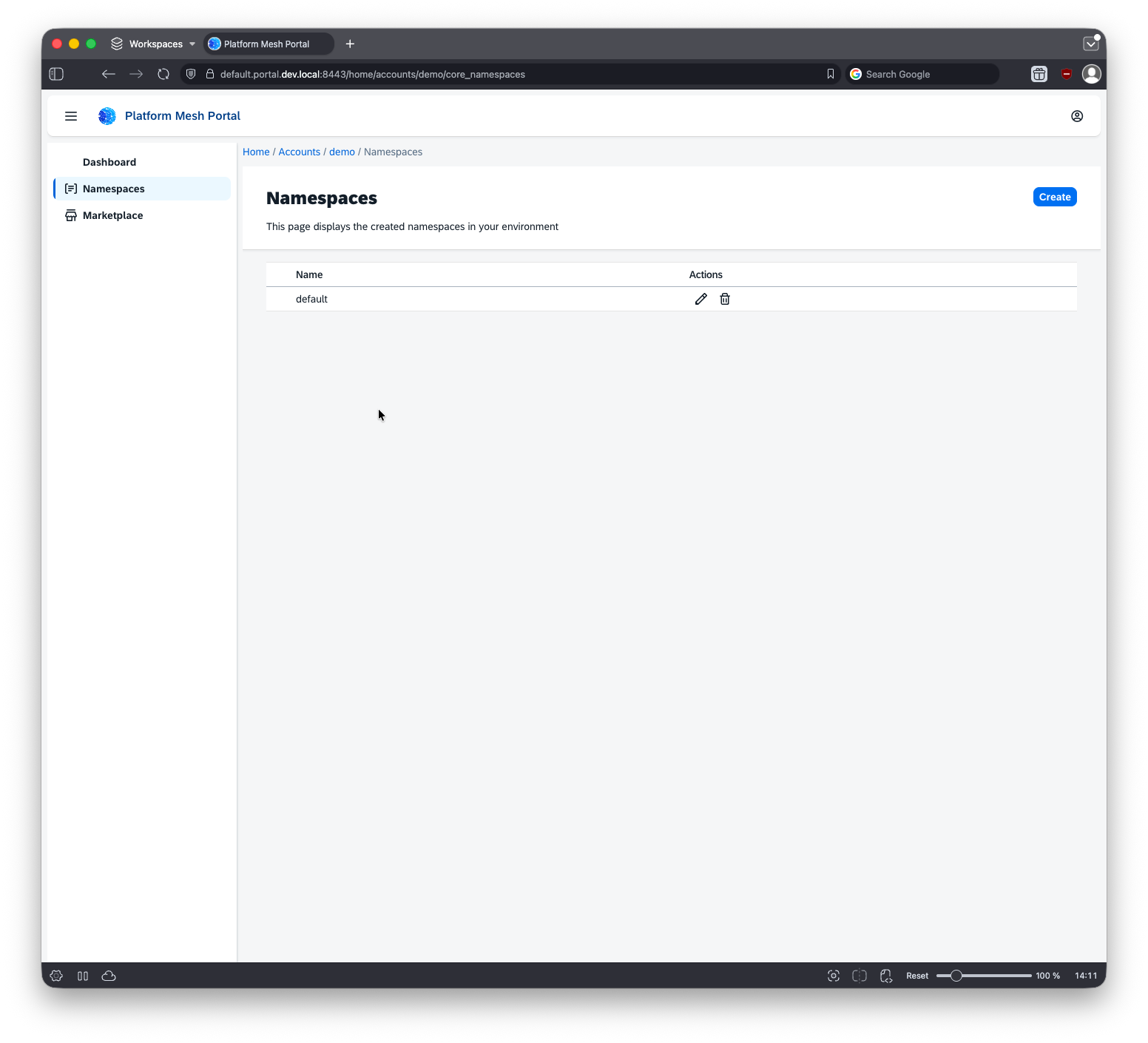
The default and kube-system namespaces are created automatically for the account.
Provision the HttpBin service
Inside the namespace, view the available services. HttpBin demonstrates the managed service provider pattern. The operator backing this demo is in platform-mesh/example-httpbin-operator.

Create a service instance.
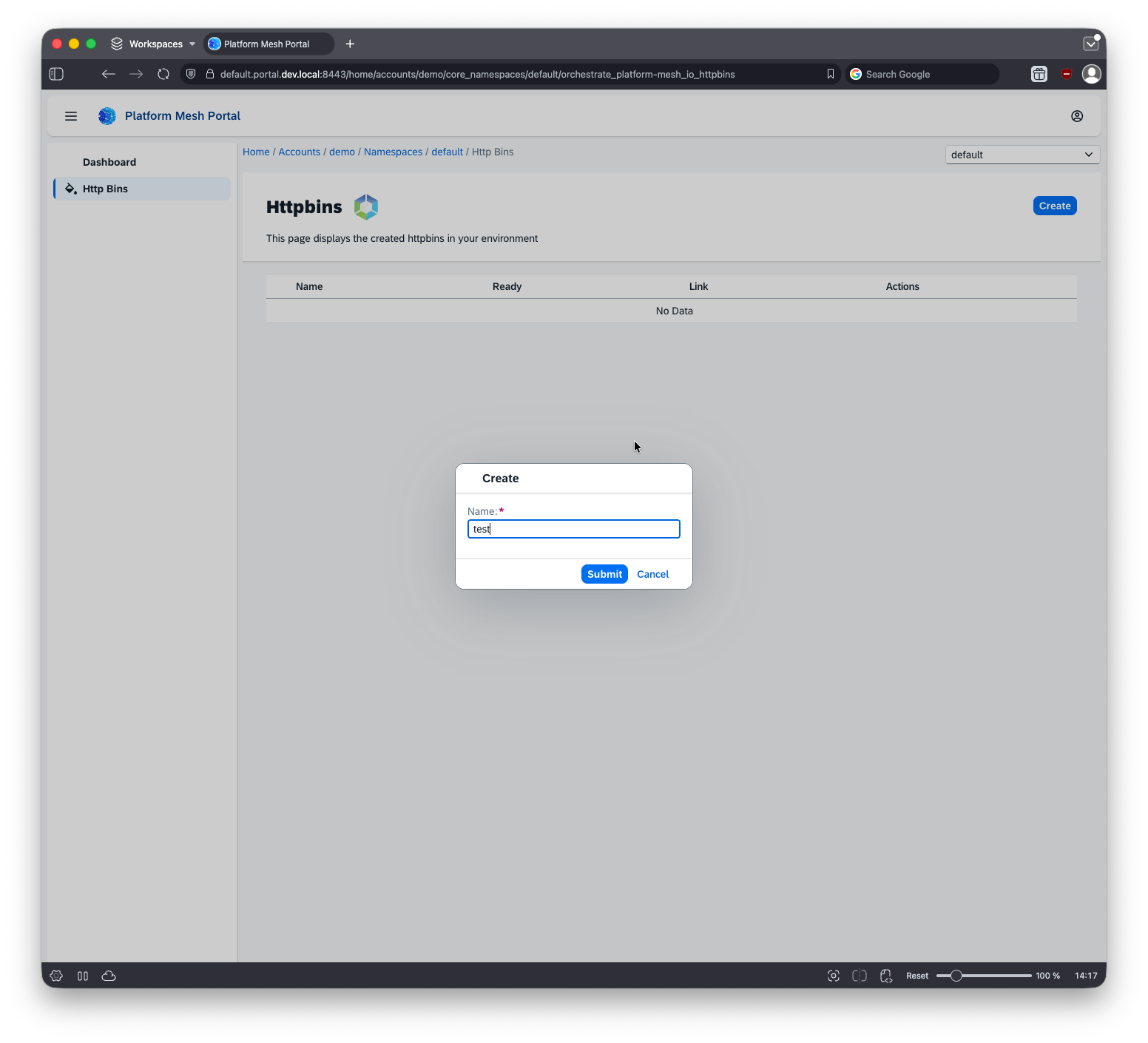
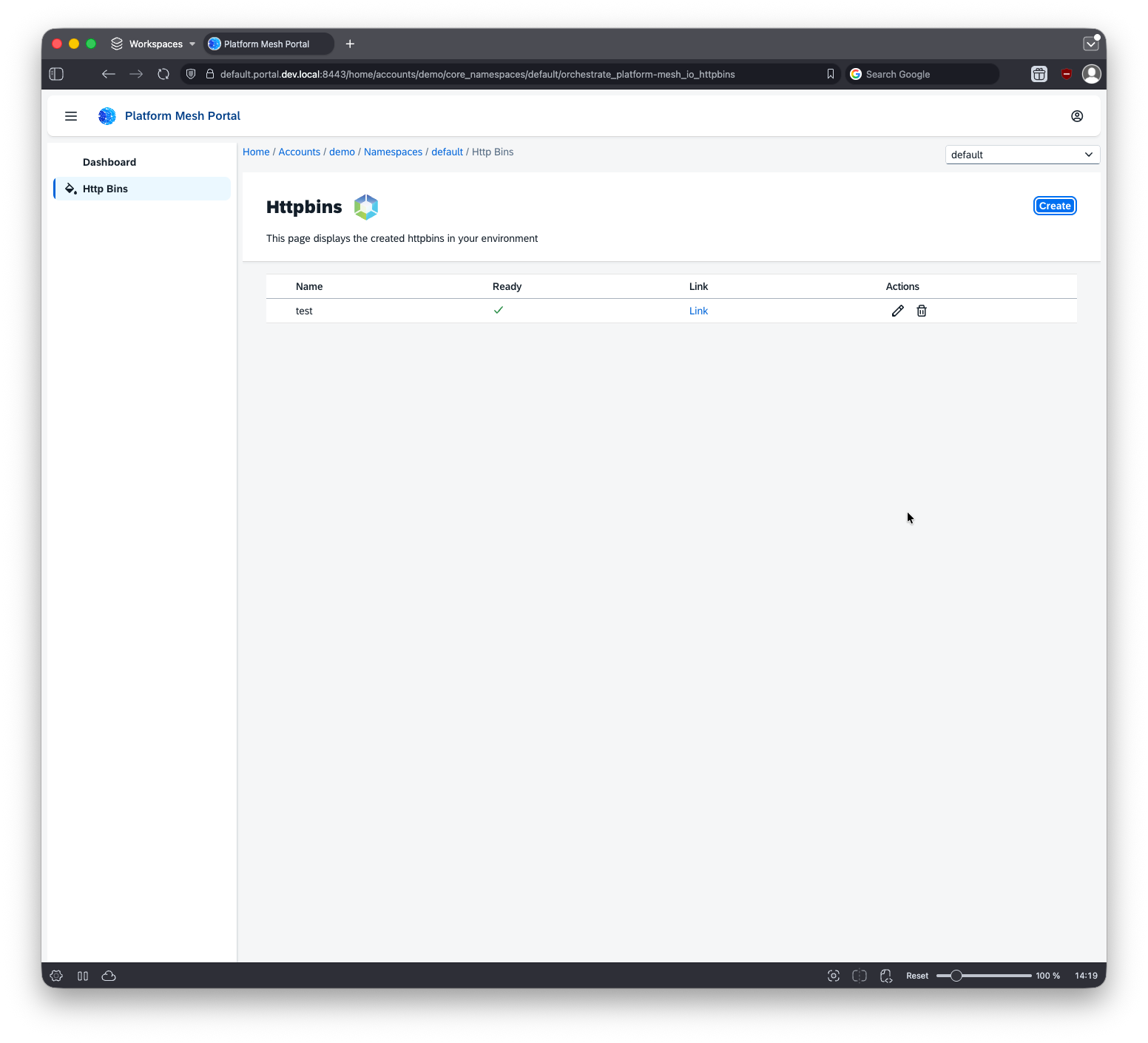
After provisioning completes, the service becomes available in the account.
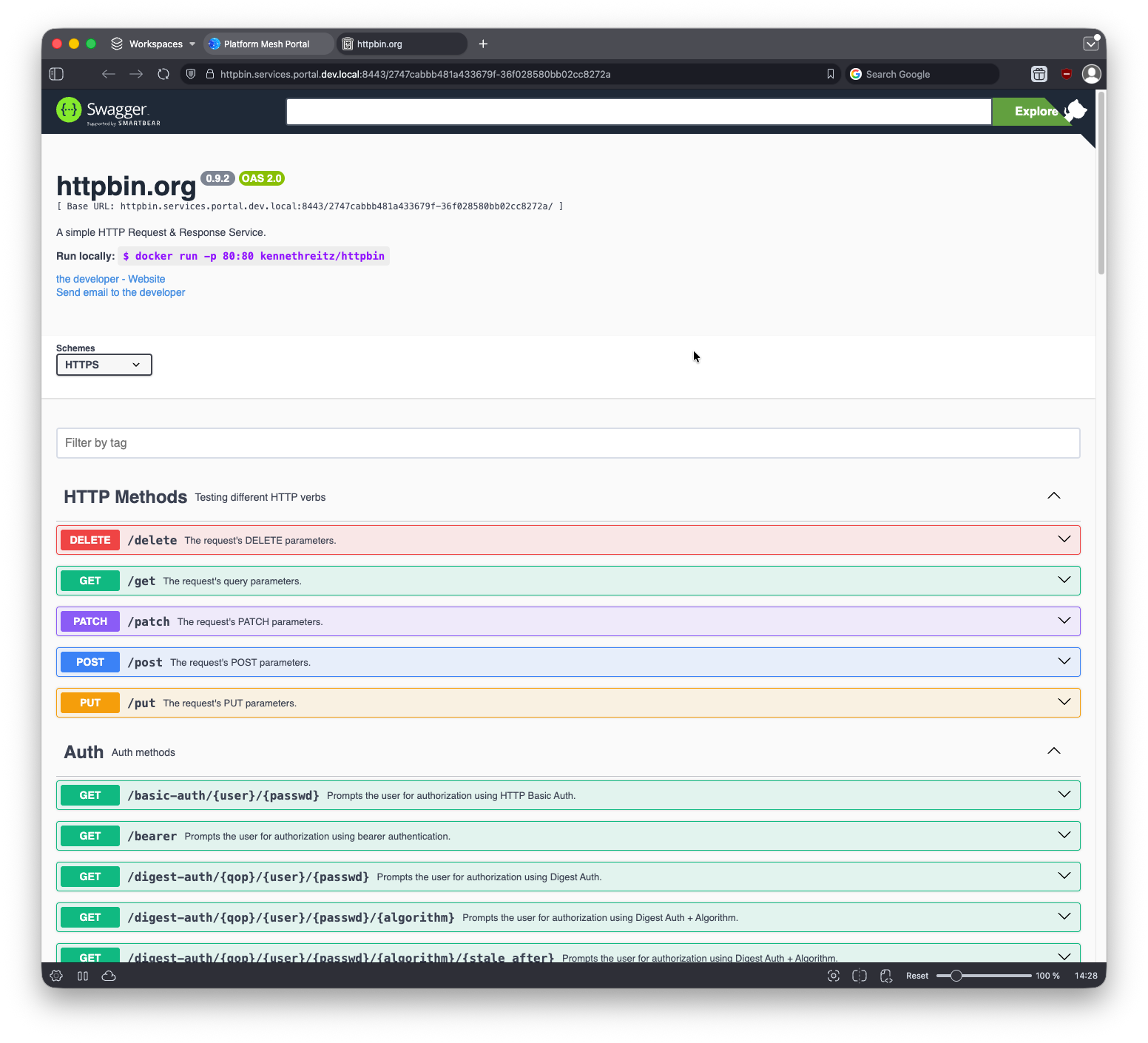
Open the service URL.
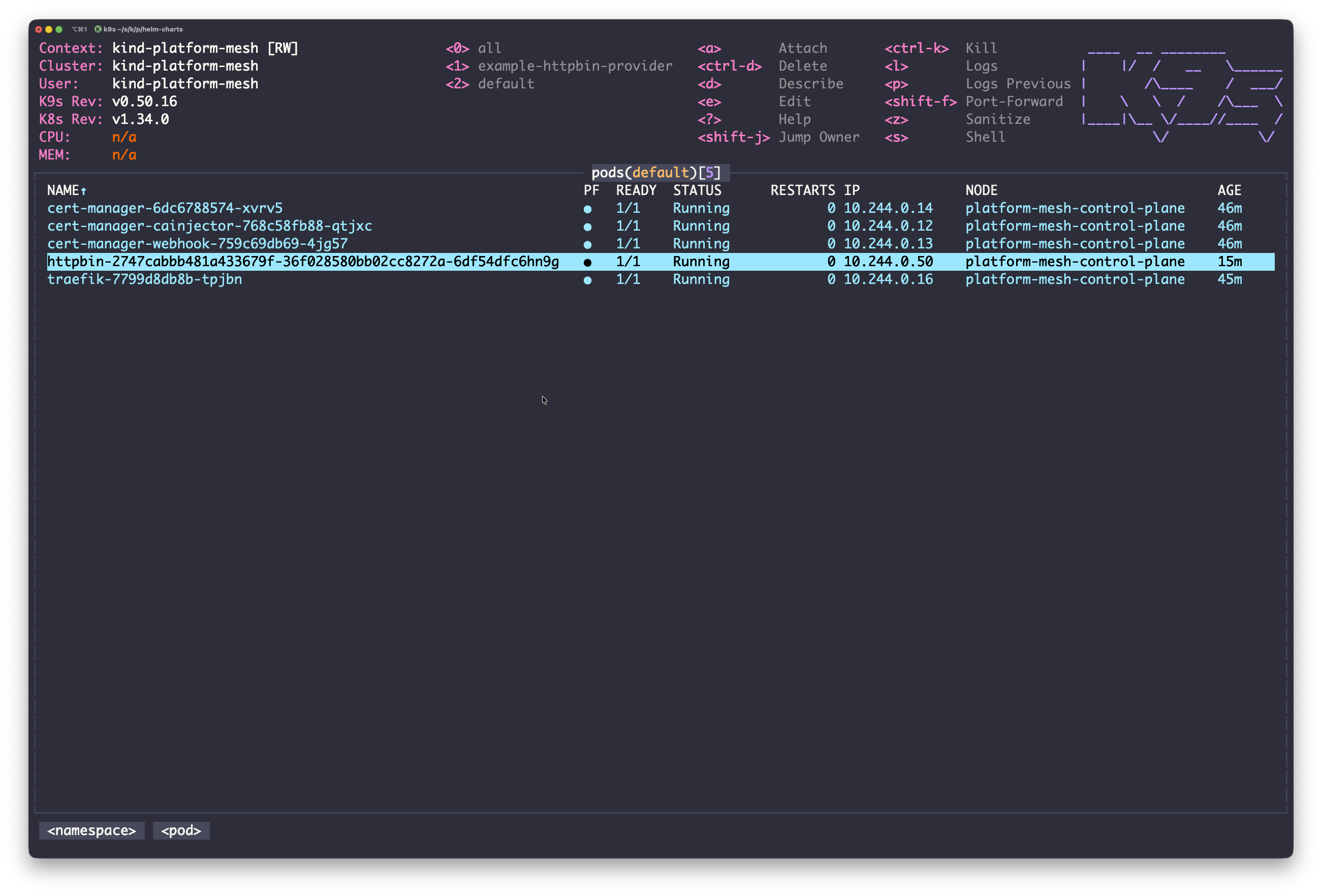
You can also inspect the local cluster resource behind the example. In production, managed service providers usually run outside the Platform Mesh control plane.
Next
Continue with Provider quick start to publish your own service from the provider side.
Optional branches:
- Access kcp admin to inspect the workspace tree behind the portal.
- Access Keycloak to see how the organization maps to a realm.
- Account model for how the organization and account you created map to kcp workspaces.
- Why Platform Mesh? for the motivation behind the model.