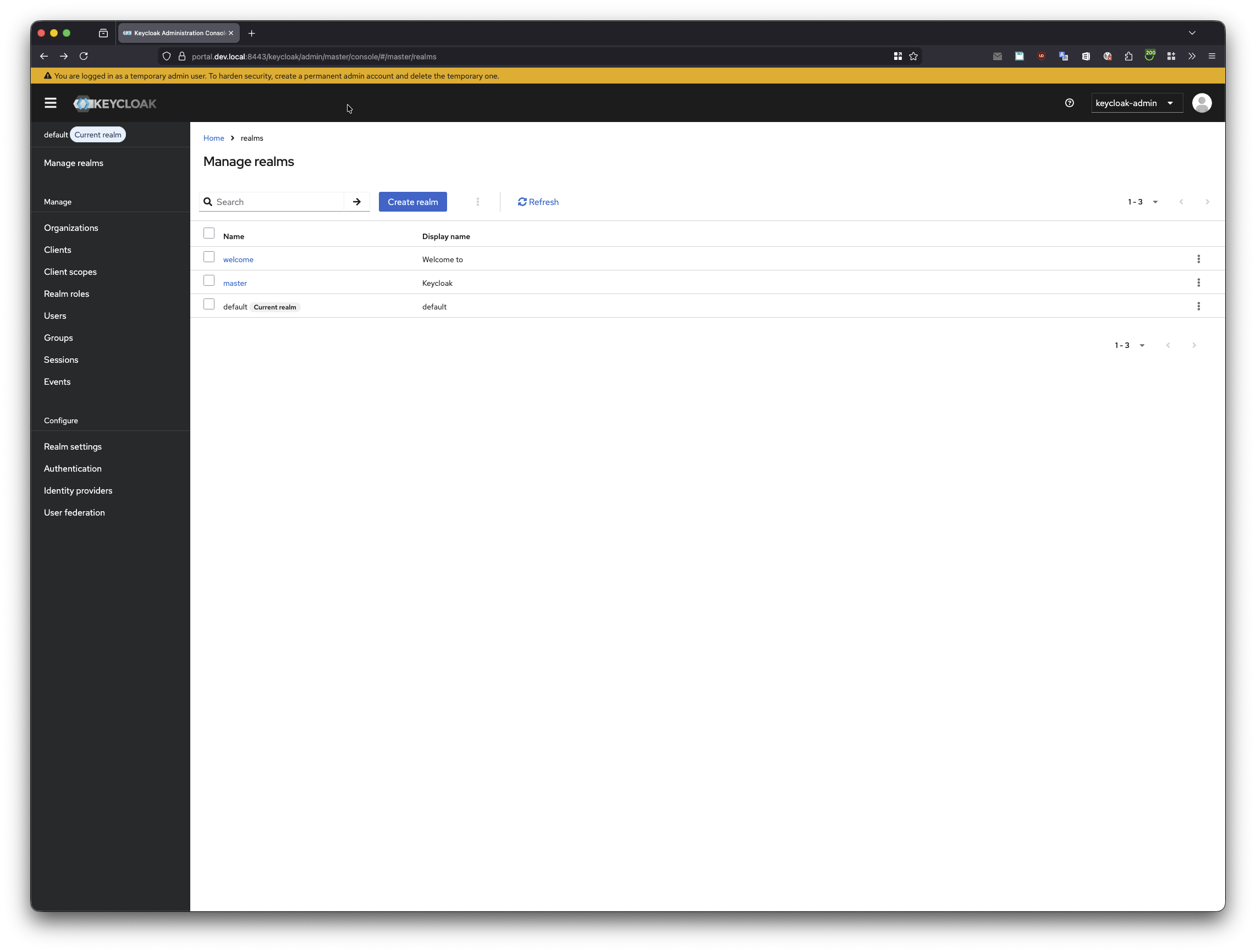
Access the Keycloak admin console
Keycloak is the default identity provider used for authentication in the local Platform Mesh setup.
Open the admin console
Open:
text
https://portal.localhost:8443/keycloakUse:
- Username:
keycloak-admin - Password:
admin
Local setup only
These credentials are for the local development environment only. Production deployments must use secure credentials and follow the organization's security policy.
If you already have an existing portal session, open Keycloak in an incognito/private browser session.
After completing Explore the example MSP, the organization you created appears as a dedicated Keycloak realm.