Next Steps
Accessing KCP Admin
Platform Mesh uses KCP (Kubernetes-like Control Plane) to provide multi-tenant control planes. The admin kubeconfig provides full visibility into all KCP workspaces across the entire Platform Mesh instance.
Admin Access
The admin kubeconfig shown here is for platform administrators who need visibility across all workspaces.
export KUBECONFIG=$(pwd)/.secret/kcp/admin.kubeconfigThis gives you access to the root workspace and organization management.
You can then:
Switch between workspaces:
bashkubectl kcp workspace use <workspace-name>List available workspaces:
bashkubectl get workspaces
Exploring the Platform
- Browse the Onboarding Portal to see available services
- Create service bindings using kubectl
- Explore the multi-tenant architecture through different organization workspaces
Accessing Keycloak
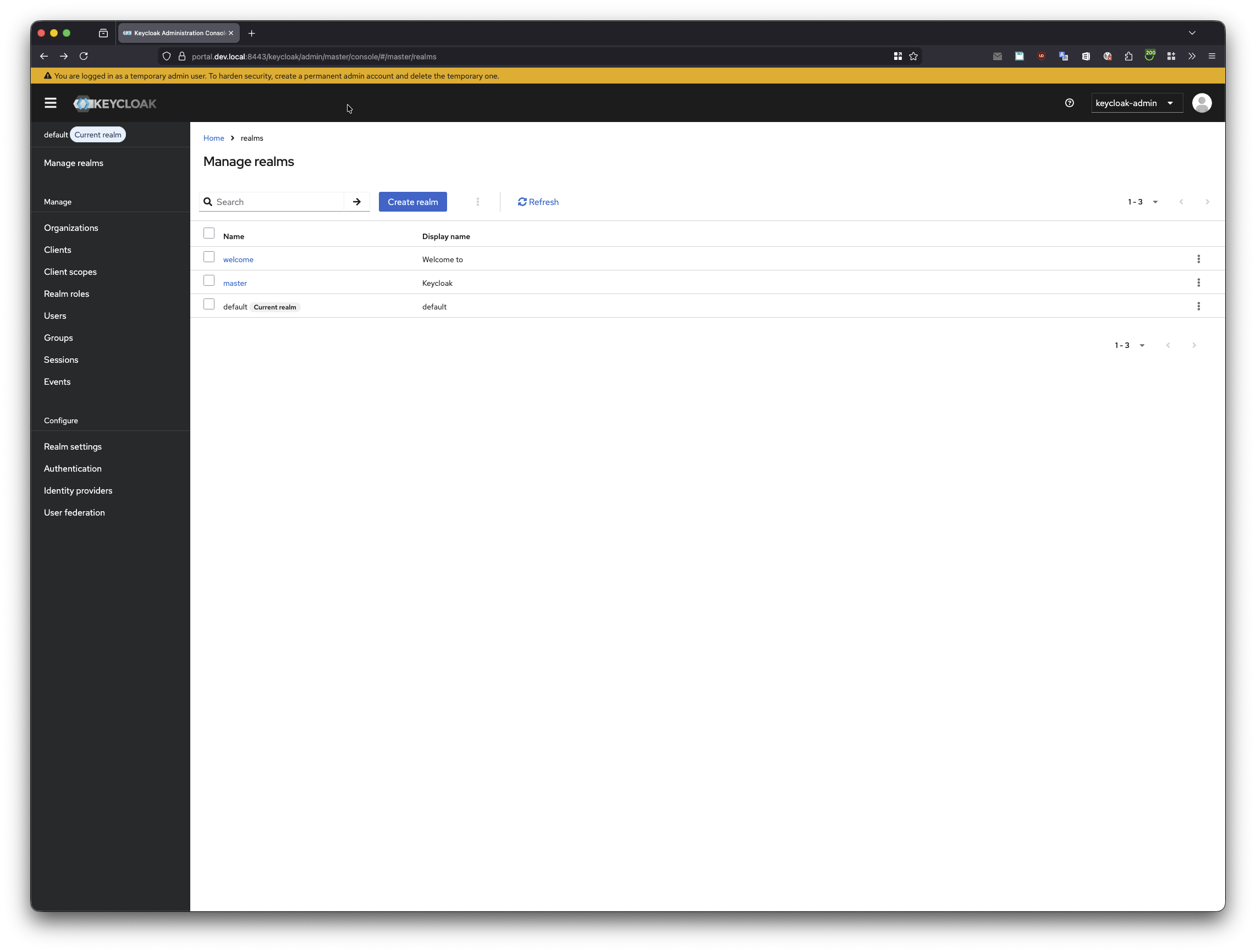
Keycloak is the default identity provider used for authentication in Platform Mesh. Administrators can access the Keycloak admin console to manage users, roles, and authentication settings.
URL: https://portal.localhost:8443/keycloak
Credentials:
- Username:
keycloak-admin - Password:
admin
Local Setup Only
These default credentials are for the local development environment only. In production deployments, use secure credentials and follow your organization's security policies.
In case you have already an existing session from a prior login. Open keycloak in an inkognito session.
The screenshot below shows a "default" realm that was automatically created when an organization named "default" was onboarded to Platform Mesh. After completing the Example MSP walkthrough, you can return here to see how your organization appears as a dedicated realm in Keycloak.
Accessing OpenFGA
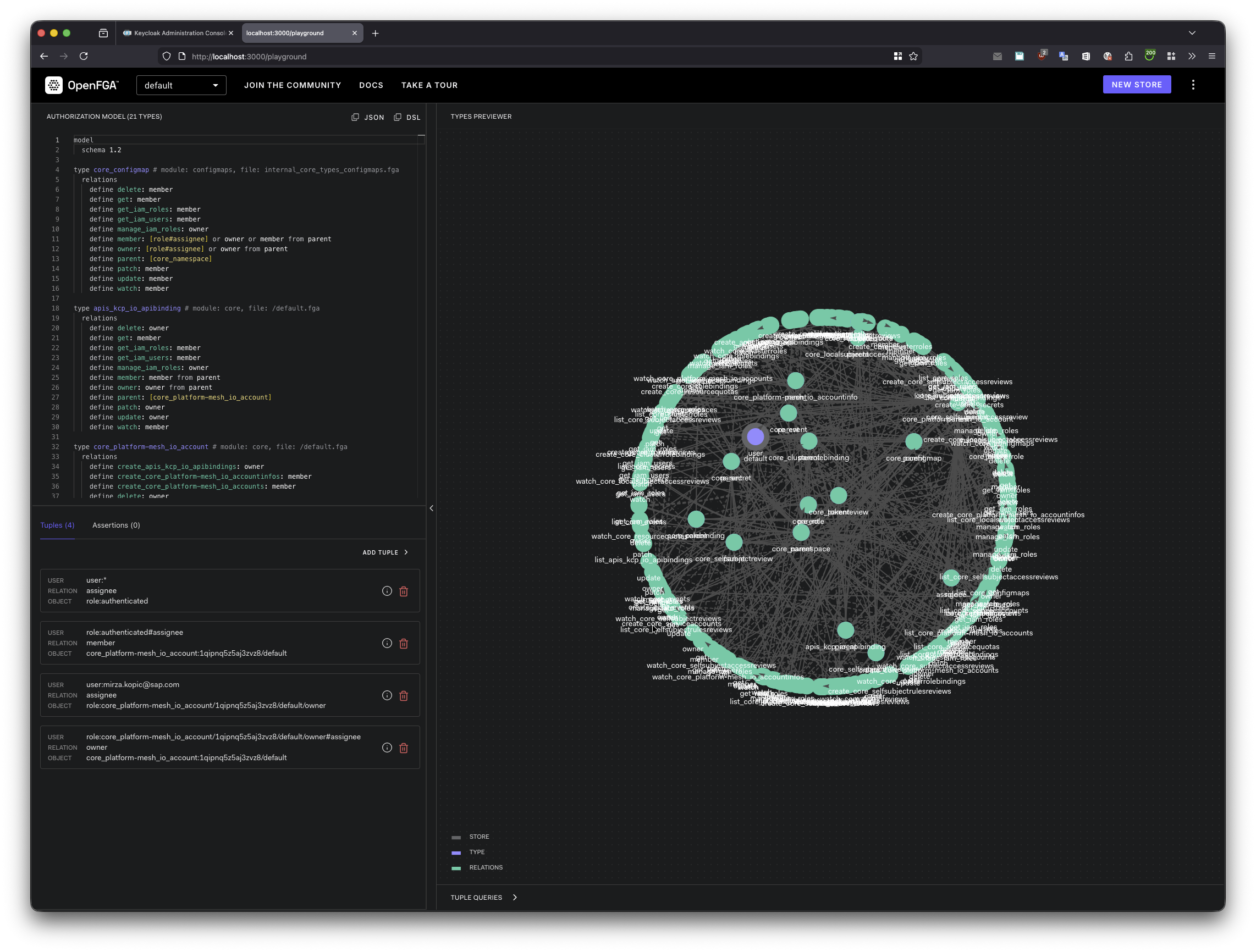
OpenFGA is the central relationship-based authorization system used by Platform Mesh. You can access the OpenFGA Playground to explore and test authorization models and relationships.
First, set up port forwarding to the OpenFGA service:
kubectl port-forward -n platform-mesh-system svc/openfga 3000 8080 8081Then access the OpenFGA Playground at: http://localhost:3000/playground
The screenshot below displays the "default" organization's authorization data in OpenFGA, created during organization onboarding. Once you complete the Example MSP tutorial and create your own organization, you can explore how Platform Mesh provisions the corresponding authorization relationships here.